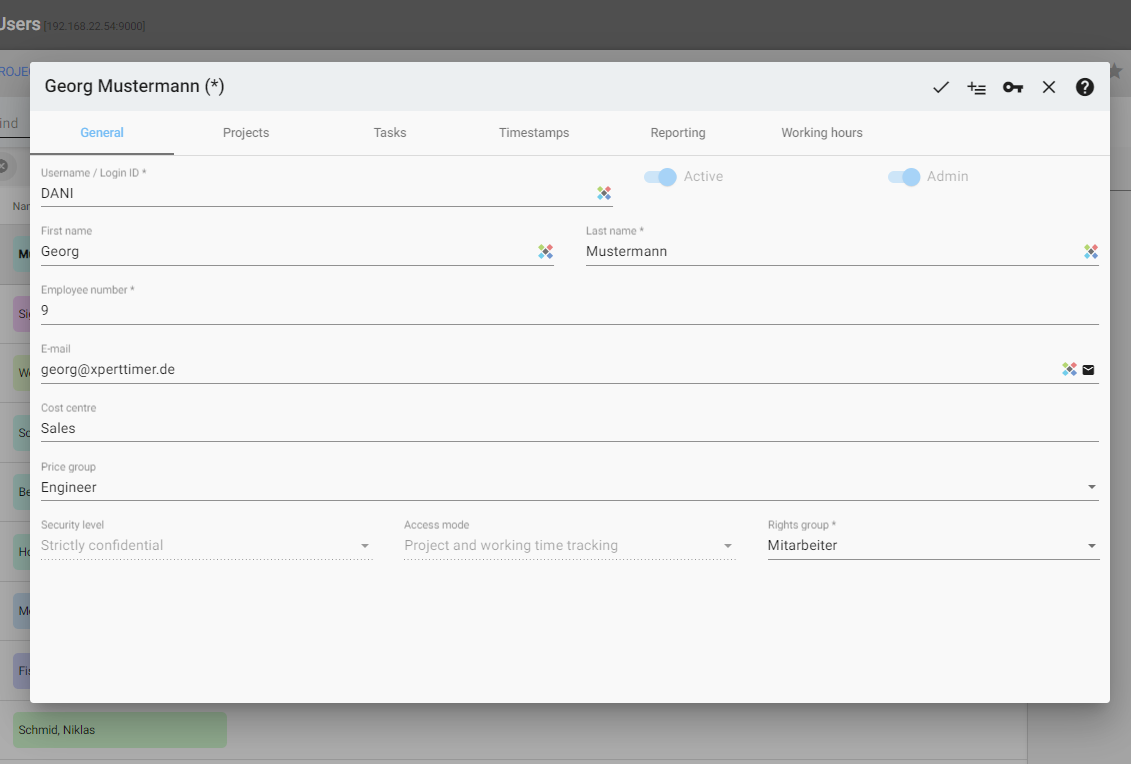
In the employee data, only the surname and the employee number are mandatory fields. If you use the short name, it is used, for example, when printing reports, or also in the lists (time stamp list) in the column Employees. This allows you to anonymize or customize names accordingly.
The security level allows you to control the visibility of customers and projects in the Xpert-Timer system. If you do not have permission to do so, you cannot change this security level. However, as an admin, this option is available to you.
The access mode defers between using the project time tracking or the working time tracking.
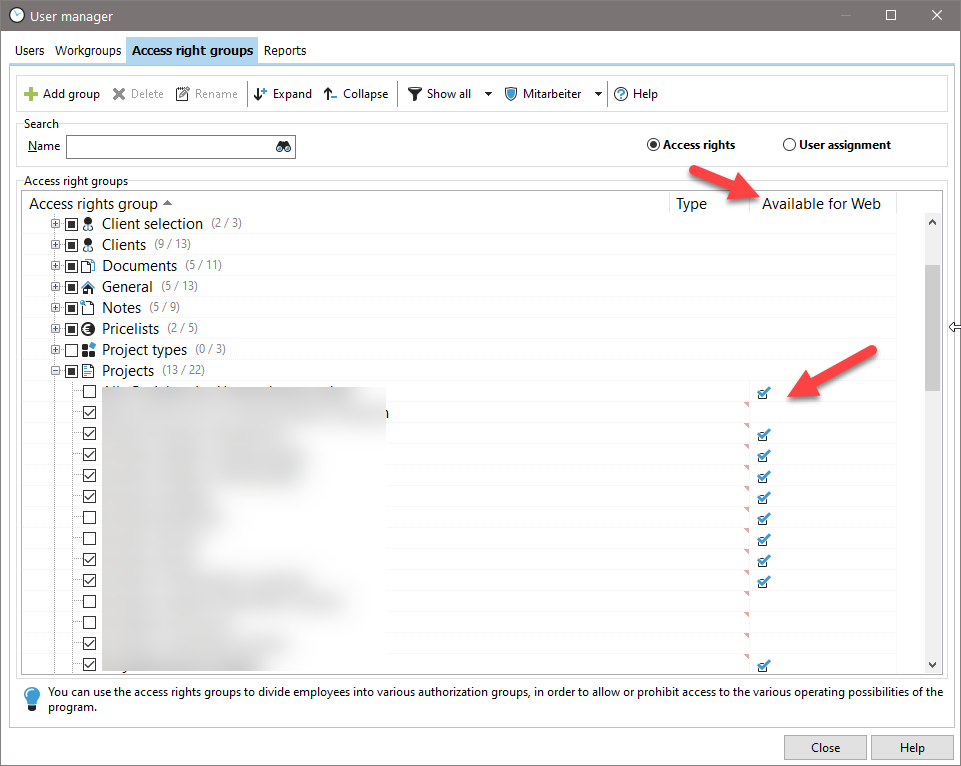
The employee must be assigned to a specific rights group. Right groups define which functions employees can use in Xpert-Timer Web.
In Xpert-Timer Pro, it is best to use the filter for "Rights for Web only" and show the column "Available for Web". This allows you to immediately see which restrictions apply to the employee in XTWeb.